Overview
The Unit Limiter feature allows warehouses to control inbound volume by enforcing limits on both appointments and handling units (such as pallets or cartons). This helps warehouse teams prevent overbooking, protect operational capacity, and maintain predictable daily throughput.
Unit Limiter is designed to be flexible, supporting limits at multiple levels (warehouse, load type, and dock) and across different time dimensions.
1. Problem It Solves
Without capacity controls, warehouses can easily become overbooked, leading to:
Dock congestion and long wait times
Labor and equipment overload
Missed SLAs and poor carrier experience
Reactive, manual intervention by warehouse staff
Unit Limiter proactively enforces operational constraints by:
Limiting how many appointments can be scheduled
Limiting how many handling units (e.g., pallets, cartons) can be processed
Applying different limits based on day, month, load type, or dock
This ensures schedules reflect real warehouse capacity before issues occur.
2. Configurations
Unit Limiter can be configured in two layers:
Limiting appointments
Limiting handling units (e.g., pallets, cartons)
Both layers work together to give warehouses fine-grained control over volume.
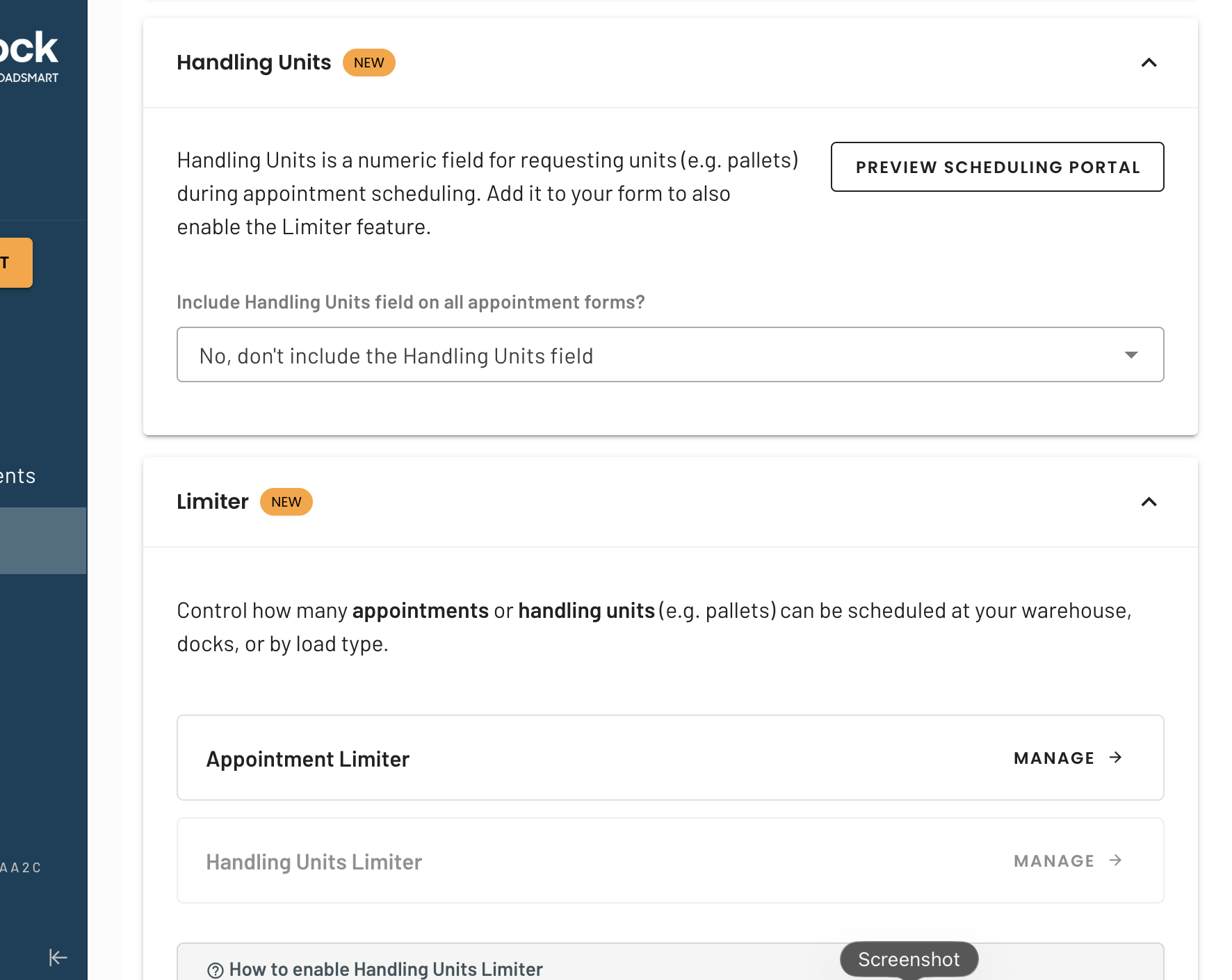
2.1 Handling Unit Setup (Warehouse Settings)
Before setting limits on units, warehouses must define what a “unit” means for their operation.
Where:
Warehouse Settings
What can be configured:
Define and label the handling unit
The label determines how the field appears across the product
Example:
Handling Unit Label: Pallet Count
This label will appear on appointment forms, limits, and grid views
This allows each warehouse to use terminology that matches their operational reality.
Go to Warehouse Settings
2.2 Limit Configuration (Warehouse Settings)
Once handling units are defined, limits can be configured.
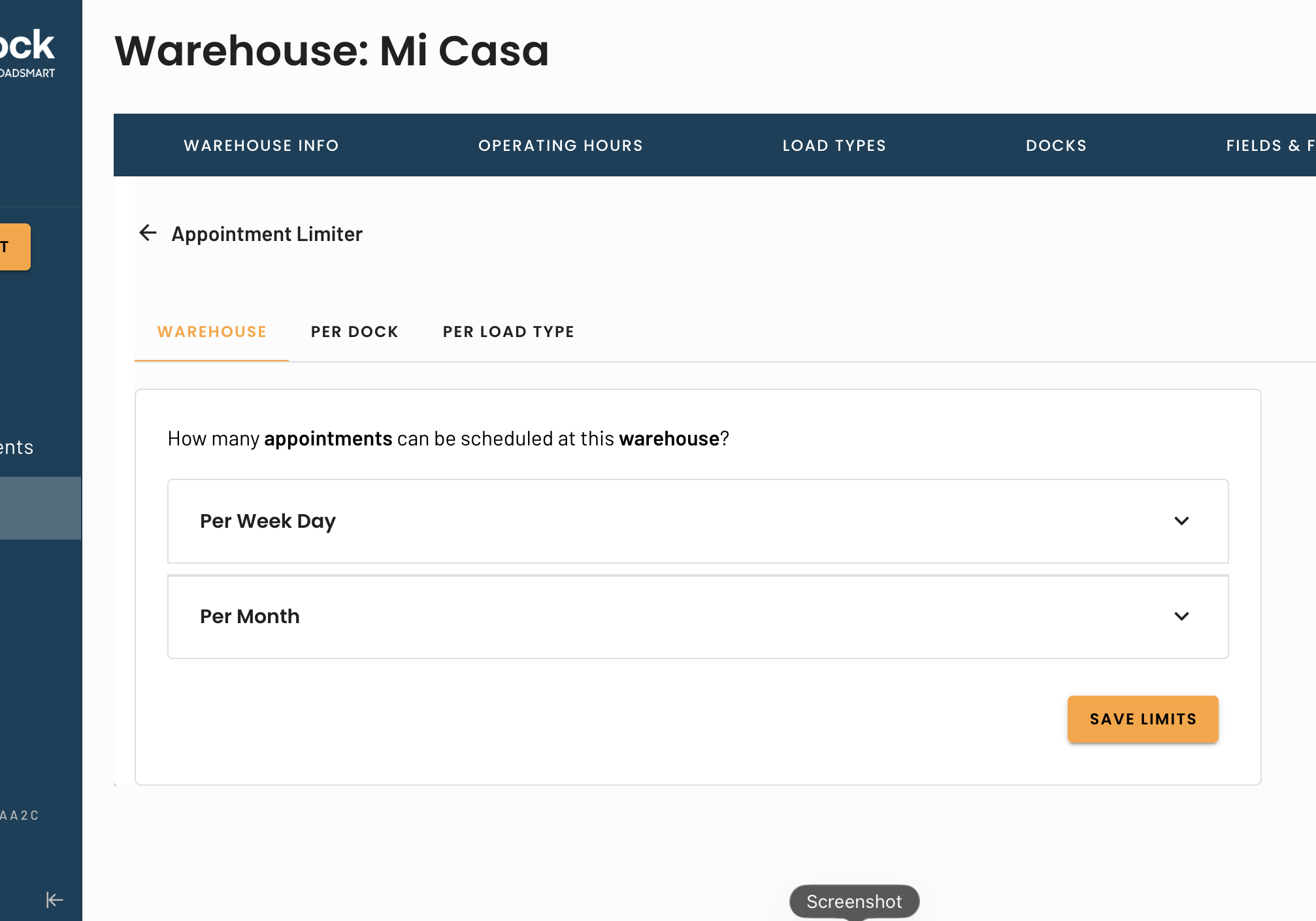
Go to "Manage" under the Unit limiter configuration
Who can configure:
Warehouse users with admin permissions
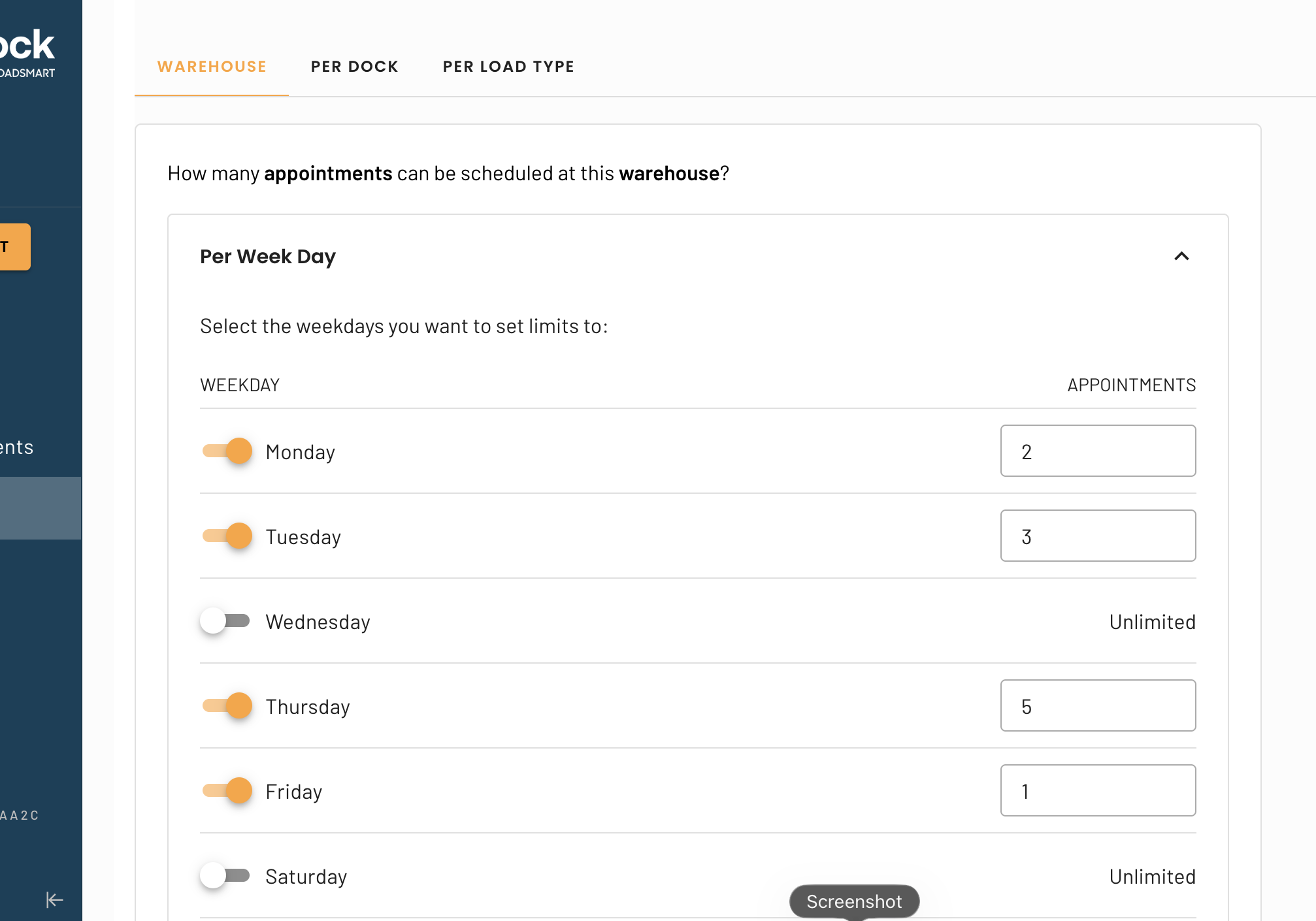
2.2.1 Time-Based Limits
Limits can be configured by:
Day of the week (e.g., Mondays vs Fridays)
Month (e.g., peak season vs off-season)
This allows warehouses to adjust capacity based on known demand patterns.
2.2.2 Warehouse-Level Limits
Limits can be applied globally across the warehouse.
Examples:
Maximum X appointments per day
Maximum XX pallets per day
These limits apply regardless of dock or load type unless overridden by more specific rules.
2.2.3 Load Type-Level Limits
Limits can be configured for:
Individual load types
Groups of load types
Limits can apply to:
Appointment count
Handling units
A combination of both
Examples:
FTL loads limited to 20 appointments/day
LTL loads limited to 150 pallets/day
Grouping multiple load types under a shared capacity cap
2.2.4 Dock-Level Limits
Limits can also be configured per dock.
Examples:
Dock A: max 10 appointments/day
Dock B: max 80 pallets/day
Dock-level limits allow warehouses to reflect differences in equipment, labor, or physical constraints.
2.3 Visualizing Limits
Daily limits and remaining capacity can be viewed directly on the Appointments Grid
This gives schedulers and warehouse teams immediate visibility into:
Current usage
Remaining capacity
When limits are approaching or reached
3. What Happens When a Limit Is Reached
Once a limit is reached, additional appointments that would exceed that limit cannot be scheduled
This applies to both appointment count and handling unit limits, depending on configuration
4. Carrier Scheduling Experience
When carriers schedule appointments through the Scheduling Portal, availability is automatically constrained by the Unit Limiter configuration set by the warehouse.
4.1 How Availability Is Calculated
Carrier users only see available time slots that respect all active Unit Limiter rules, including:
Appointment limits
Handling unit limits (e.g., pallets, cartons)
Limits applied at the:
Warehouse level
Load type level
Dock level
Limits defined by:
Day of the week
Month
If any applicable limit has been reached (appointments or handling units), that capacity is removed from availability.
4. Coming Soon (Next to Be Delivered)
The following enhancements are not yet available, but are planned:
Notifications
No email or in-app notifications are sent when limits are reached today
Alerting and notifications will be added in a future release
Override Functionality
Warehouse users cannot currently override limits
An override capability will be introduced to allow internal scheduling beyond limits when needed (with appropriate permissions)
5. Key Notes for Support Teams
Limits can exist at multiple levels simultaneously; the most restrictive applicable limit will be enforced
Handling unit labels are warehouse-specific and configurable
If users report blocked scheduling, verify:
Day/month limits
Warehouse vs load type vs dock rules
Unit totals on existing appointments
Comments
0 comments
Please sign in to leave a comment.